
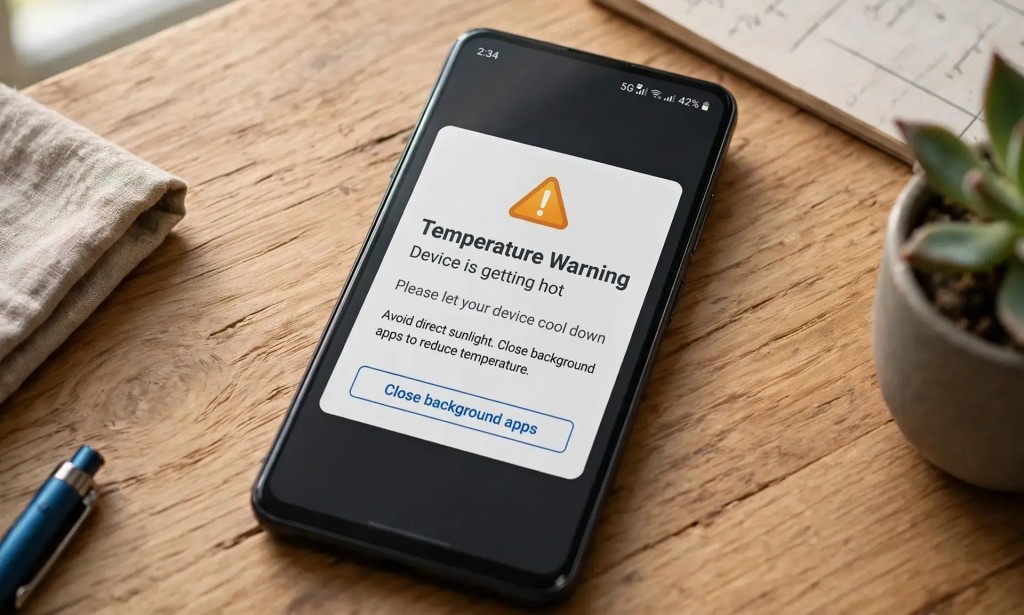
How to Stop Your Phone From Overheating in Nigeria
Is your phone always hot when charging or browsing? You are not alone. Many Nigerians experience this problem, especially when using their phones in hot weather.
While Nigeria's hot climate can contribute to overheating, the weather is not the only cause. Heavy usage, charging conditions, background activity, and faulty batteries can also make your phone heat up.
Here are four simple ways to help keep your phone cool and protect its battery.
1. Don't Charge Your Phone on Your Bed
Charging your phone on a bed, pillow, blanket, or sofa can trap heat around the device and restrict airflow. As a result, your phone may become hotter than usual while charging.
Instead, place your phone on a hard, flat surface, such as a table, while charging. Keep it away from direct sunlight and other heat sources.
2. Remove Your Phone Case if It Gets Too Hot
Some thick phone cases can make it harder for heat to escape, particularly when you are charging your phone or running demanding apps.
If your phone becomes unusually warm, remove the case temporarily and let the device cool in a safe, shaded, well-ventilated place.
Removing the case does not necessarily make every phone charge faster, but it may help with heat dissipation in some situations.
3. Check Background Apps and Reduce Heavy Usage
Apps such as WhatsApp, Facebook, Instagram, and mobile games can consume processing power, internet data, and battery energy. Some activities may continue in the background even when you are not actively using an app.
If your phone becomes hot, close demanding apps you are not using, pause unnecessary downloads, and reduce gaming or video streaming for a while. You can also check your phone's battery settings to identify apps consuming unusually high amounts of power.
You do not need to force-close every app all the time. Focus on apps that are consuming excessive resources or causing your phone to heat up.
4. Avoid Heavy Phone Usage While Charging
Using your phone to play demanding games, watch videos for long periods, or run other intensive apps while charging can increase heat production because the phone is both charging its battery and performing demanding tasks.
This does not mean every activity while charging is dangerous. However, if your phone becomes noticeably hot, pause gaming and other heavy tasks until it cools down.
Use a compatible, reliable charger and cable. Avoid charging your phone under pillows or blankets, and never ignore signs of battery damage.
Bonus Tip: What to Do When Your Phone Gets Too Hot
- Stop demanding activities and disconnect the charger if the phone is overheating.
- Move the phone away from direct sunlight and other heat sources.
- Let it cool naturally in a dry, shaded, well-ventilated place.
- Do not put it in a refrigerator or freezer to cool it quickly.
- If it repeatedly overheats during light use, shuts down unexpectedly, or has a swollen battery, seek professional repair assistance.
Conclusion
Phone overheating is a common problem, especially in hot weather, but a few simple habits can help reduce it.
Charge your phone on a hard surface, remove a heat-trapping case when necessary, check apps that consume too much power, and avoid heavy usage while charging.
These steps can help manage heat and reduce unnecessary battery stress, although they cannot guarantee that your phone will never overheat. Persistent overheating may indicate a faulty battery, charger, or another hardware problem that needs professional attention.
Does your phone get hot when charging or browsing? Tell us your phone model and what you are doing when it overheats in the comments.


You must be logged in to post a comment.