
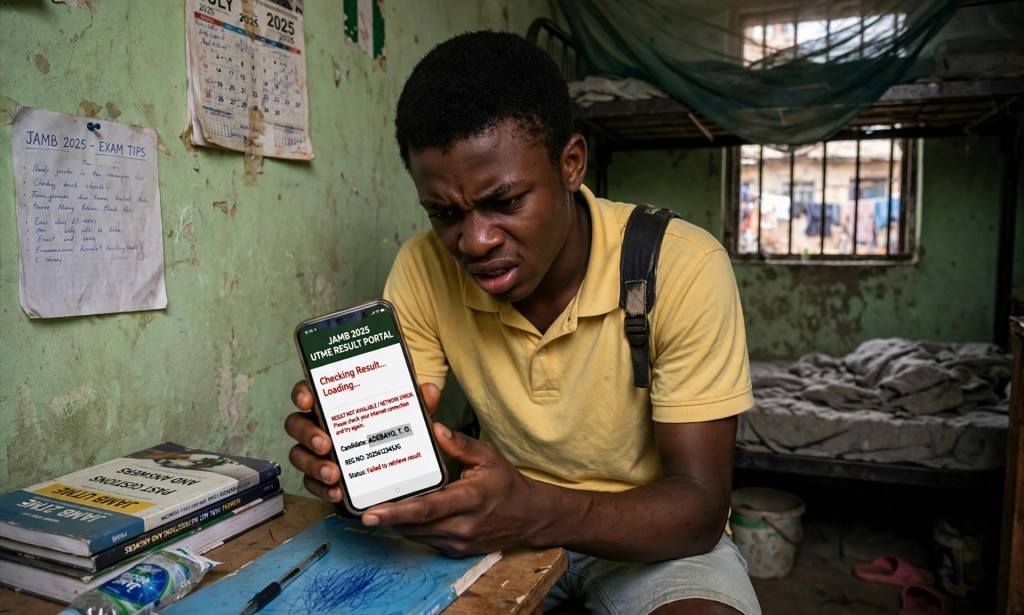
Have you written the JAMB UTME examination and want to check your result? You do not necessarily need to visit a cybercafé. You can check your result using your mobile phone through SMS or by visiting the official JAMB e-Facility portal.
Here is a step-by-step guide to checking your JAMB result and what to do if you encounter problems.
Method 1: Check Your JAMB Result Through SMS
You can use your registered phone number to request your result by SMS. Follow these steps:
Step 1: Open Your Messaging App
Take your phone and open the Messages app. Make sure you are using the same phone number you used during JAMB registration.
Step 2: Type the Correct SMS Keyword
Type UTMERESULT in capital letters. Follow any updated instructions officially announced by JAMB for your examination year.
Step 3: Send the SMS
Send the message to either of these official JAMB SMS numbers:
- 55019
- 66019
Use one number at a time and follow the instructions provided in the response.
Step 4: Make Sure You Have Airtime
Keep sufficient airtime on your phone to cover the SMS charge. The amount charged may change, so confirm the current fee before sending your request.
Step 5: Wait for JAMB's Reply
Wait for the response containing your result or instructions on what to do next. The response time may depend on network conditions and JAMB's service availability.
Important: If you do not receive a reply immediately, avoid repeatedly sending messages without checking your airtime balance and the official instructions.
Method 2: Check Your JAMB Result Online
If you have internet access, you can check your result through the official JAMB e-Facility portal.
Step 1: Visit the Official JAMB Portal
Open Chrome or another web browser on your phone or computer and visit:
https://efacility.jamb.gov.ng/
Step 2: Log In to Your Account
Enter the email address and password associated with your JAMB profile. If you have forgotten your password, use the official password recovery option.
Step 3: Find the Result Option
After logging in, look for the available UTME result-checking option on your dashboard. The exact menu wording may vary depending on the services currently available.
Step 4: View Your Result
Follow the instructions on the portal to view your result if it has been released and made available to your account.
Step 5: Print Your Result Slip if Needed
If you need an official result slip for admission processing, check the available printing service and any applicable fee. Viewing your result and printing the official result slip may be separate services.
Common JAMB Result-Checking Problems and Solutions
1. The Message Says Your Result Is Not Available
This may mean your result has not yet been released or is not currently available through that service. Check JAMB's official announcements and try again when appropriate.
2. The SMS Is Not Going Through
Check that you have sufficient airtime, entered the correct SMS keyword, and are using the phone number associated with your JAMB registration. Network congestion or a temporary service problem may also cause delays.
3. You Have Lost Your Registered SIM Card
If you have lost access to the phone number linked to your JAMB profile, contact your mobile network provider to ask whether the SIM can be recovered. If you cannot resolve the issue, contact JAMB through its official support channels for guidance.
Do not assume that visiting a JAMB office is the only possible solution before checking the official recovery procedures.
4. You Cannot Log In to the JAMB Portal
Confirm that you are using the correct registered email address and password. Use the official password recovery process if necessary. If the problem continues, submit a support request through JAMB's official website.
Important Safety Tips
- Use only official JAMB websites and published SMS numbers.
- Never share your password or sensitive account information with strangers.
- Be careful of people who promise to change or increase your score for money.
- Do not edit or falsify an SMS result message.
- Check JAMB's official announcements if the result-checking procedure changes.
Conclusion
Checking your JAMB UTME result can be straightforward when you follow the correct procedure. You can request your result through SMS or use the official JAMB e-Facility portal, depending on the services available for your examination year.
If you encounter a problem, check your details, confirm the official instructions, and contact JAMB support when necessary.
Have you checked your JAMB result successfully? Share your experience or questions in the comments to help other candidates.
Disclaimer: This article is for educational purposes. SMS keywords, charges, and portal options may change. Confirm the latest instructions on JAMB's official website before proceeding.


You must be logged in to post a comment.