
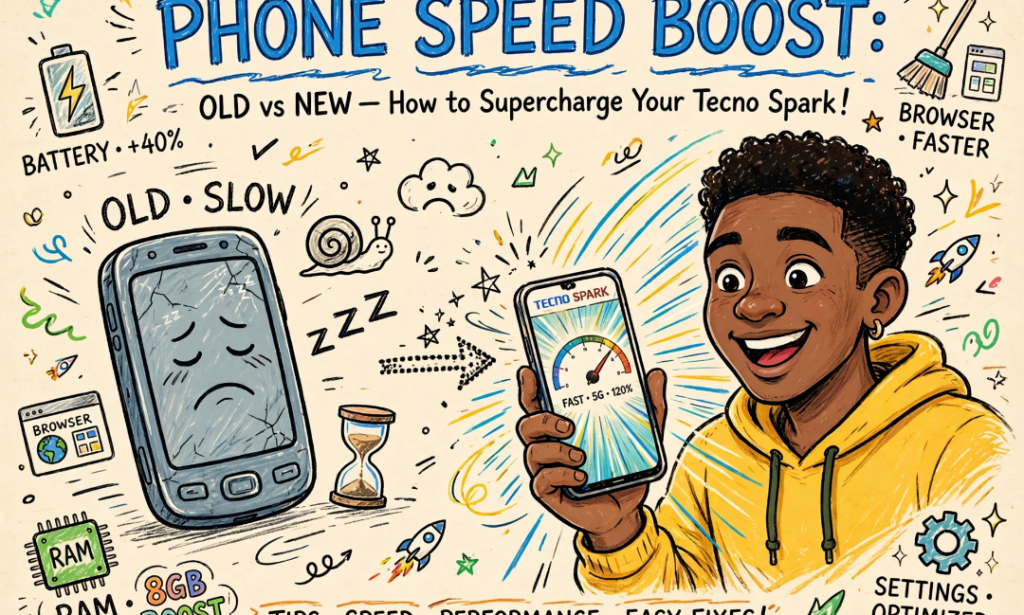
For almost one year I thought my phone was finished. I am using a Tecno Spark 10. It was hanging, battery was dying fast, WhatsApp was taking 5 seconds to open. I was already saving money to buy a new phone.
Then my cousin who repairs phones in Computer Village showed me 5 settings and I swear my phone is now FASTER than when I first bought it. I did not buy anything, I did not root my phone. Just settings.
If your phone is hanging, try this before you buy a new one.
1. TURN OFF AUTO SYNC AND BACKGROUND APP REFRESH
This is the MAIN reason your phone is slow. Your phone has like 30 apps running in background even when you are not using them. Facebook, Instagram, TikTok, they are always syncing. Go to Settings > Accounts > Auto Sync and TURN IT OFF. Then go to Settings > Apps > Special Access > Background Data and disable it for apps you don't use daily. My battery moved from 5 hours to almost FULL DAY after this.
2. DELETE THE HIDDEN TRASH THAT CLEANER APPS DON'T SEE
We all use Phone Master or Files app to clean trash, but there is a hidden folder that stores ALL your WhatsApp statuses, voice notes, and deleted pictures. It is called .THUMBNAILS and SENT folder. Open your File Manager, go to Internal Storage > Android > media > http://com.whatsapp > WhatsApp > Media. You will see .Statuses folder is 2GB or 3GB. DELETE IT. I deleted 7GB of trash from there and my phone stopped hanging instantly.
3. STOP USING CHROME, USE BRAVE OR VIA BROWSER
Chrome is the HEAVIEST browser for Android. It eats your RAM like monster. I switched to BRAVE browser and my phone is 40% faster. Brave blocks all ads automatically, so YouTube and Facebook load faster and use less data. Via Browser is even lighter, it is only 1MB. If you are using phone with 3GB or 4GB RAM, DELETE CHROME now.
4. TURN OFF RAM EXPANSION, YES TURN IT OFF
Tecno, Infinix and Xiaomi now have this feature called Virtual RAM or Memory Fusion. They say it will make your phone faster by adding 3GB virtual RAM. It is a LIE. That feature makes your phone SLOWER because it uses your storage as RAM and your storage is slow. Go to Settings > About Phone > RAM Expansion and TURN IT OFF and restart your phone. The difference is NIGHT AND DAY. My games stopped lagging.
5. USE LITE APPS AND TURN OFF ANIMATIONS
Last one is simple but very POWERFUL. Uninstall Facebook and use Facebook Lite. Uninstall TikTok and use TikTok Lite. The normal apps are 300MB plus, the Lite versions are less than 20MB. Also, go to Settings > About Phone > Tap Build Number 7 times to become Developer, then go to Developer Options and set Window Animation Scale, Transition Animation Scale, and Animator Duration Scale to 0.5x or OFF. Your phone will open apps INSTANTLY.
I did all 5 things in less than 10 minutes. My phone battery now lasts from 7am to 10pm, no hanging, PUBG runs smooth.
Before you spend 200k on a new phone, try this. You will be SHOCKED how fast your old phone can be.


You must be logged in to post a comment.