

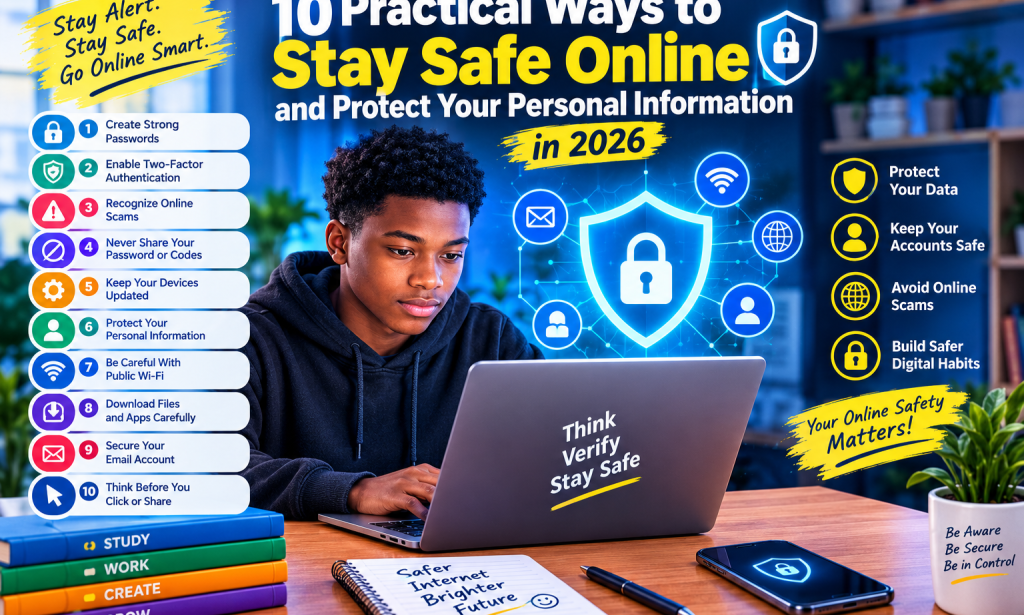
10 Practical Ways to Stay Safe Online and Protect Your Personal Information in 2026
Introduction
The internet has become an important part of everyday life. People use it to communicate, study, shop, publish articles, run businesses, and access financial services. While these activities provide many benefits, they also expose users to online risks.
Cybercriminals may attempt to steal passwords, obtain personal information, impersonate trusted organizations, or trick people into sending money. Fortunately, adopting good online habits can reduce these risks.
Whether you are a student, content creator, business owner, or regular internet user, understanding basic cybersecurity is essential.
Here are ten practical ways to protect yourself online in 2026.
1. Create Strong and Unique Passwords
Passwords help protect your email, social media, banking, and other online accounts. Using weak passwords or repeating the same password across several websites can put multiple accounts at risk.
Create long, unique passwords for important accounts. A password manager can help you generate and store them securely.
Avoid using easily guessed information such as your name, birthday, or simple number sequences.
2. Enable Two-Factor Authentication
Two-factor authentication, also called 2FA, adds another layer of security to your account.
Depending on the service, you may confirm your identity using an authenticator app, a security key, or another verification method.
Even if someone obtains your password, this additional step can make unauthorized access more difficult.
Enable this feature on important accounts whenever it is available, especially your email and financial accounts.
3. Learn to Recognize Online Scams
Online scams often use urgent messages, attractive rewards, or frightening warnings to pressure people into acting quickly.
For example, a message might claim that you have won a prize but must pay a fee before receiving it. Another might pretend to come from a bank and ask you to confirm your password.
Be cautious of unexpected messages requesting money or confidential information. Verify claims through the organization's official website or customer-support channel.
Remember that professional-looking logos and convincing language do not prove that a message is genuine.
4. Never Share Your Password or Verification Codes
Passwords, one-time verification codes, and account recovery information should remain private.
Scammers may pretend to be customer-service agents, friends, employers, or platform administrators to obtain these details.
Never disclose a verification code simply because someone claims it is necessary to solve an account problem.
If you receive an unexpected verification request, check your account security and contact the service through its official channels.
5. Keep Your Phone and Apps Updated
Software updates often include security improvements that address known weaknesses.
Ignoring updates for long periods may leave your device exposed to problems that have already been fixed.
Keep your phone's operating system, browser, and trusted applications updated. Download applications from official app stores or verified developer websites.
Remove applications you no longer use, particularly if they request unnecessary permissions.
6. Protect Your Personal Information
Personal information can be used to impersonate you, target you with scams, or gain access to accounts.
Think carefully before sharing your home address, phone number, school details, financial information, or identity documents online.
Review the privacy settings of your social media accounts and limit who can view personal posts.
You should also avoid uploading sensitive documents to AI tools or unfamiliar websites unless you understand how the information may be handled.
7. Be Careful With Public Wi-Fi
Public Wi-Fi can be convenient in schools, cafés, airports, and other shared locations. However, not every network is trustworthy.
Confirm the correct network name with the establishment before connecting. Avoid sensitive transactions on unfamiliar networks when possible, and use trusted services with secure connections.
A VPN may offer additional privacy in certain situations, but it does not automatically make every website or application safe.
8. Download Files and Apps Carefully
Unknown downloads can contain malicious software or lead to fraudulent websites.
Before downloading a file or installing an application, verify the source and check whether the developer is legitimate.
Be suspicious of unexpected attachments, especially messages urging you to open a document immediately.
Avoid modified applications and unofficial downloads that promise premium features for free. They may expose your information or compromise your device.
9. Secure Your Email Account
Your email account is particularly important because it is often used to reset passwords for other services.
Use a unique password, enable two-factor authentication, and review your account's recovery options.
Check for unfamiliar sign-ins and security alerts. If you discover suspicious activity, change your password from a trusted device and follow the provider's account-security instructions.
Protecting your email can help protect many of your other online accounts.
10. Think Before You Click or Share
Before clicking a link, consider whether you expected the message and whether the sender is trustworthy.
Look carefully at website addresses. Fraudulent websites sometimes use names that resemble legitimate organizations.
Do not forward alarming claims, financial offers, or sensational news without checking their authenticity.
Taking a few moments to verify information can prevent mistakes that might otherwise compromise your security.
What Should You Do If You Suspect a Scam?
If you believe your account has been compromised, act promptly.
- Change the affected password using the official service.
- Enable two-factor authentication if available.
- Sign out unfamiliar sessions and review account activity.
- Contact your bank or payment provider immediately if financial information may be affected.
- Report fraudulent messages to the relevant platform.
- Warn affected contacts if your account may have been used to impersonate you.
Never pay someone who unexpectedly promises to recover a compromised account without independently verifying the service.
Conclusion
Staying safe online does not require advanced technical knowledge. Simple habits, including using unique passwords, enabling two-factor authentication, checking suspicious messages, updating devices, and protecting personal information, can make a meaningful difference.
Cybersecurity is an ongoing responsibility because online threats continue to change. Remaining alert and verifying unexpected requests can help you use digital services more confidently.
Final insight: Before you click, share, download, or pay, pause and verify. A few careful decisions today can help protect your digital life tomorrow.


You must be logged in to post a comment.