
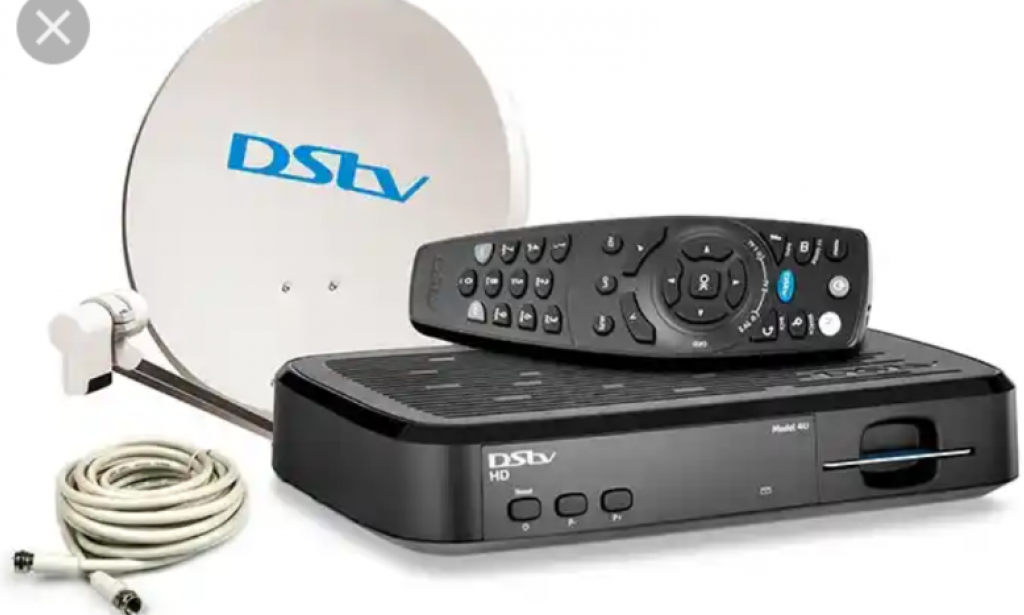
This is for all of us that we are using DSTV as our view at home.
As we know, our DSTV subscription is either one month or as we decide to pay for a long period of time.
When our subscription finished, we have to go to a DSTV branch in order to subscribe. But now it has been made a lot easier.
Technology has solved almost all problems all around the world. For us to now subscribe our DSTV, we can do that using our phone. You just have to follow this steps.
1. DIAL THIS NUMBER.
You will just dial these number *288#
You will be firstly given a menu which brings 2 options, then click on the option that says "EXISTING GOTV/DSTV COSTUMER".
After you dial it, follow the remaining steps by entering your ICU NUMBER or your SMARTCARD NUMBER.
Then choose "PAY ACCOUNT". Then wait for the next steps.
2. DOWNLOAD ' MY DSTV APP"
To subscribe your DSTV account another way. You can download the all called "MY DSTV APP" on google play store.
Then follow the steps by entering your ICU OR SMARTCARD NUMBER, THEN PAY YOUR ACCOUNT THROUGH YOUR BANK ACCOUNT.
There are the two easy way to Subscribe or pay your DSTV account using your mobile phone.
Thank you for your time.


You must be logged in to post a comment.