

If you've noticed strange activity on your WhatsApp — messages you didn't send, contacts asking why you texted them something odd, or your account logging out on its own — you may be dealing with a cloned WhatsApp account. Unlike traditional hacking, cloning often doesn't lock you out right away. Instead, someone quietly links their device to your account and reads your conversations while you keep using the app normally, unaware anything is wrong.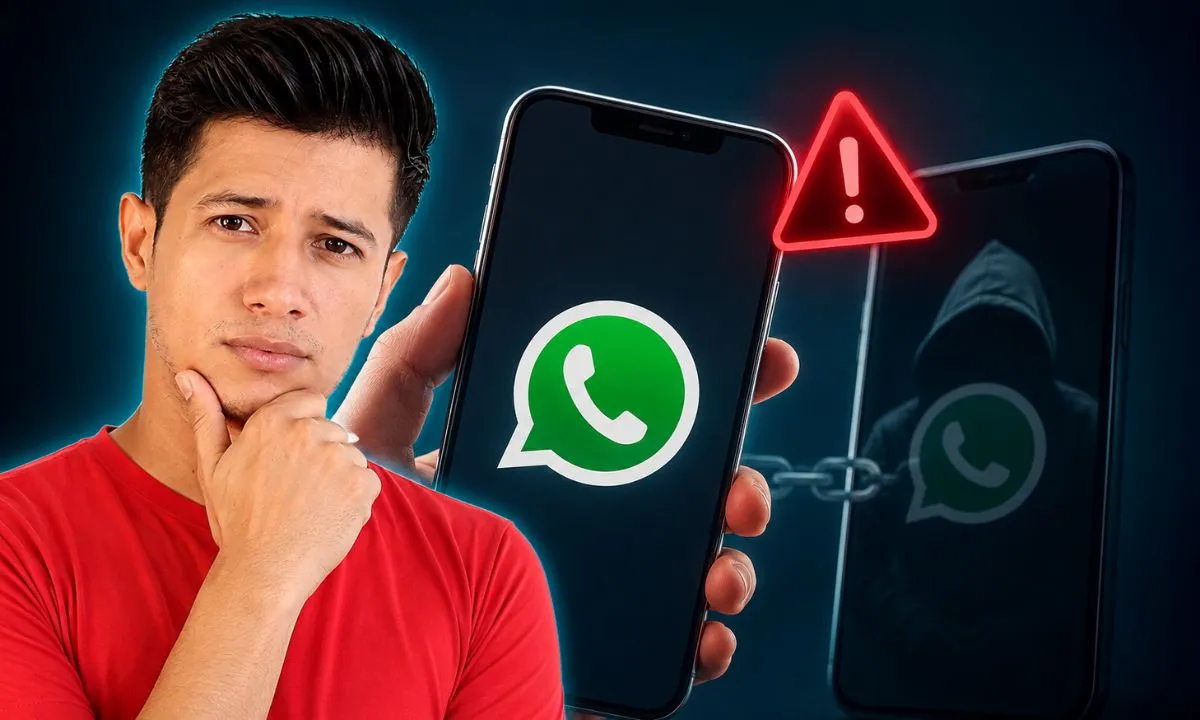
Here's how to check for the warning signs, confirm whether your account has actually been compromised, and lock it down before real damage is done.
What Does It Mean When WhatsApp Is "Cloned"?
WhatsApp cloning isn't the same as someone stealing your phone. In most cases, an attacker gets access through:
- QR code scanning — tricking you into scanning a fake QR code that links your account to their browser or device.
- SIM swapping — convincing your mobile carrier to transfer your number to their SIM card, so verification codes go straight to them.
- Social engineering — calling, texting, or messaging you to trick you into sharing your six-digit verification code.
Once linked, the attacker can read your chats, see your contacts, and send messages as you — all without you noticing immediately, since WhatsApp allows up to four linked devices at once.
7 Signs Your WhatsApp Has Been Cloned
1. An Unknown Device in Your Linked Devices List
This is the single most reliable sign. Go to Settings > Linked Devices and look for anything you don't recognize — a browser session, a tablet, or a phone you never authorized.
2. You Receive a Verification Code You Didn't Request
WhatsApp only sends a six-digit code when someone tries to register your number on a new device. If one arrives out of nowhere, someone is actively trying to take over your account — don't share it with anyone, no matter what they claim.
3. Your Profile Picture, Name, or Bio Changes on Its Own
Small, unauthorized edits to your profile are a common early sign, since attackers sometimes test their access before doing anything more serious.
4. Contacts Report Strange Messages From You
If friends or family mention receiving messages, links, or requests for money that you never sent, treat this as a serious red flag rather than a misunderstanding.
5. You're Suddenly Logged Out of WhatsApp
Since WhatsApp doesn't allow the same number to be active on two phones at once, being unexpectedly logged out can mean someone re-registered your number on their device.
6. Messages Appear as "Read" That You Never Opened
If chats show as read, or you see messages disappear or appear out of order, another device may be actively syncing and interacting with your account in real time.
7. Unusual Data Usage or Battery Drain
A cloned session running quietly in the background — especially through a linked browser or spyware app — can cause noticeably higher data consumption or faster battery drain than usual.
How to Check If Your WhatsApp Is Actually Cloned
- Open WhatsApp.
- Tap Settings (or the three-dot menu on Android).
- Go to Linked Devices.
- Review every device listed, along with its last active date and time.
- If you see anything you don't recognize, tap it and select Log out.
If you're not sure which devices are legitimately yours, this list is worth checking periodically even if nothing seems wrong — it takes less than a minute.
What to Do If Your WhatsApp Was Cloned
- Log out of every unrecognized device from the Linked Devices screen immediately.
- Turn on Two-Step Verification. Go to Settings > Account > Two-Step Verification and set a six-digit PIN. This blocks anyone from re-registering your number without that PIN, even if they have your verification code.
- Reinstall WhatsApp and re-verify your number. This automatically logs out any device still connected, since WhatsApp doesn't allow simultaneous sessions on two phones.
- Secure your phone number itself. Contact your carrier to check for unauthorized SIM changes, and set a PIN or password on your account with them.
- Warn your contacts. Let people know your account may have sent suspicious messages, so they don't click on anything or send money based on those messages.
- Scan your phone for malware. Sometimes cloning happens alongside spyware installed directly on the device — a mobile security scanner can catch this.
- Update WhatsApp to the latest version. Older versions can carry unpatched vulnerabilities that cloning tools rely on.
How to Prevent WhatsApp Cloning in the Future
- Never share your six-digit verification code with anyone, even someone claiming to be WhatsApp support.
- Keep Two-Step Verification permanently enabled.
- Only scan QR codes you triggered yourself from Settings > Linked Devices — never one sent to you by someone else.
- Check your linked devices list monthly, the same way you'd check your bank statement.
- Avoid public Wi-Fi for WhatsApp Web logins, since some cloning attempts rely on intercepted network traffic.
Spying and cloning often overlap — if you want a deeper walkthrough on detecting whether someone is actively monitoring your chats rather than just cloning the account, our related guide on how to tell if someone is spying on you on WhatsApp covers the surveillance side in more detail.
Frequently Asked Questions
Can someone clone my WhatsApp without touching my phone? Yes. Through SIM swapping or a phishing QR code, an attacker can link your account to their own device without ever physically holding your phone.
Will I know immediately if my WhatsApp is cloned? Not always. That's what makes cloning different from a typical hack — many victims only find out when a contact mentions a strange message, sometimes days or weeks later.
Does logging out of linked devices remove the hacker permanently? It removes their access immediately, but if they still have your verification code or SIM access, they could try again. Enabling Two-Step Verification is what actually blocks future attempts.
Is WhatsApp cloning the same as WhatsApp being hacked? They're closely related. "Hacked" is the broader term, while "cloned" specifically refers to an attacker linking a second device to quietly monitor your account rather than locking you out.
What number should I contact if WhatsApp cloning involves fraud? If money or sensitive information was involved, report it to WhatsApp support directly through the app (Settings > Help > Contact Us) and consider reporting the incident to your local cybercrime authority.

You must be logged in to post a comment.