

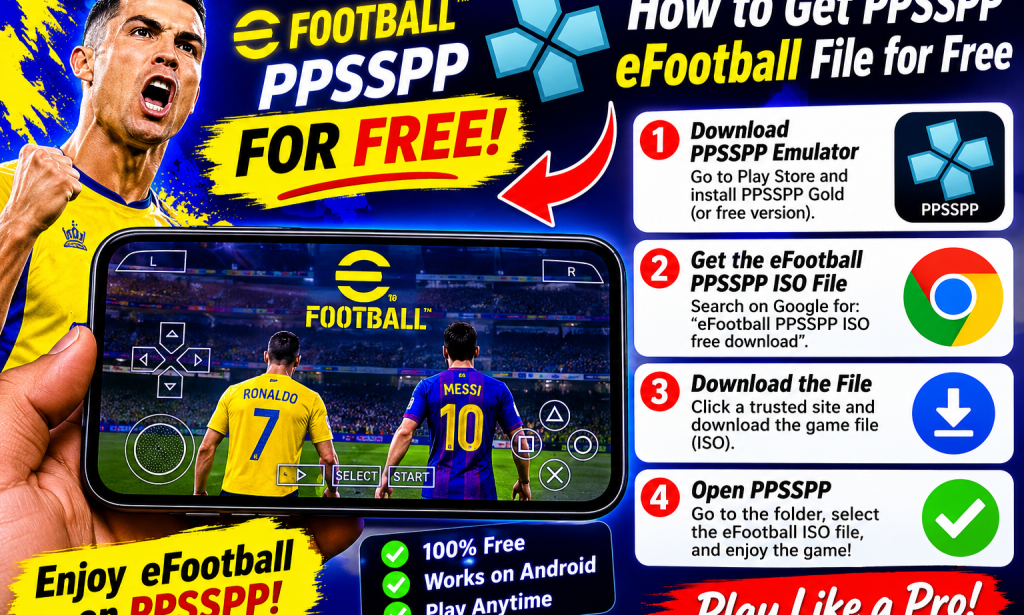
Are you a football lover who wants to enjoy exciting football games on your Android phone? You can play compatible PSP football games using the PPSSPP emulator without paying for the emulator itself.
In this guide, I'll explain how to download the PPSSPP emulator, find compatible football games legally, and get started with playing on your Android device.
1. Download the PPSSPP Emulator
The first step is to install the official PPSSPP emulator on your Android phone.
PPSSPP is an emulator that allows you to play compatible PlayStation Portable (PSP) games on Android devices.
Follow these steps:
- Open the Google Play Store.
- Search for PPSSPP - PSP Emulator.
- Select the official application.
- Install it on your phone.
- Open the application after installation.
You can download the official emulator for free.
2. Find a Compatible PSP Football Game
After installing PPSSPP, you need a compatible PSP football game file.
Look for football games that are legally available for download, including homebrew games or files distributed with permission from their copyright owners.
Important: Modern eFootball mobile games are not automatically compatible with PPSSPP. PPSSPP runs PSP-compatible games, not Android eFootball installations or ordinary mobile game APK files.
3. Download Your Football Game File
Once you find a legally distributed football game, download the compatible file from its authorised source.
Before downloading, consider these safety tips:
- Use trustworthy sources that have permission to distribute the game.
- Avoid suspicious websites that require unnecessary applications to be installed.
- Do not download files that ask you to disable your phone's security protections.
- Scan downloaded files when possible.
- Check that the game is compatible with PPSSPP.
4. Open the Football Game in PPSSPP
After downloading a compatible game file, follow these steps:
- Open the PPSSPP emulator.
- Navigate to the folder where you saved your game file.
- Locate the compatible PSP game file.
- Tap the game to launch it.
- Wait for it to load and start playing.
If the game does not appear, check whether the file is supported and properly extracted where necessary.
5. Tips for Better PPSSPP Football Gameplay
To enjoy smoother gameplay on your Android phone, consider these tips:
- Free up storage: Keep enough available space for the emulator and game files.
- Close background applications: This can help free up memory.
- Adjust graphics settings: Choose settings that work well with your phone's hardware.
- Keep PPSSPP updated: Use the official version to benefit from improvements and fixes.
- Use trusted game files: Avoid suspicious modified downloads.
Can You Play Modern eFootball With PPSSPP?
There is an important difference between modern eFootball mobile and PSP football games.
Modern eFootball is designed for supported mobile platforms, while PPSSPP is an emulator for PlayStation Portable games. Therefore, you cannot simply download a modern eFootball mobile file and expect it to run inside PPSSPP.
Some websites advertise modified football games with updated teams, kits and players. Always check the source, compatibility and distribution rights before downloading anything.
Conclusion
Playing PSP football games through PPSSPP is a great way to enjoy classic football gaming on Android. The emulator is free, and you can explore legally available football games that are compatible with it.
Download the official PPSSPP emulator, find a compatible game from an authorised source, and follow the steps in this guide to get started.
POSI GAMING – Your Home of Football Gaming Updates!
Disclaimer: PPSSPP is an emulator. This guide does not provide copyrighted game files or promote unauthorised downloads. Always respect game developers' intellectual property rights and download games only from authorised sources.


You must be logged in to post a comment.